AniCraft
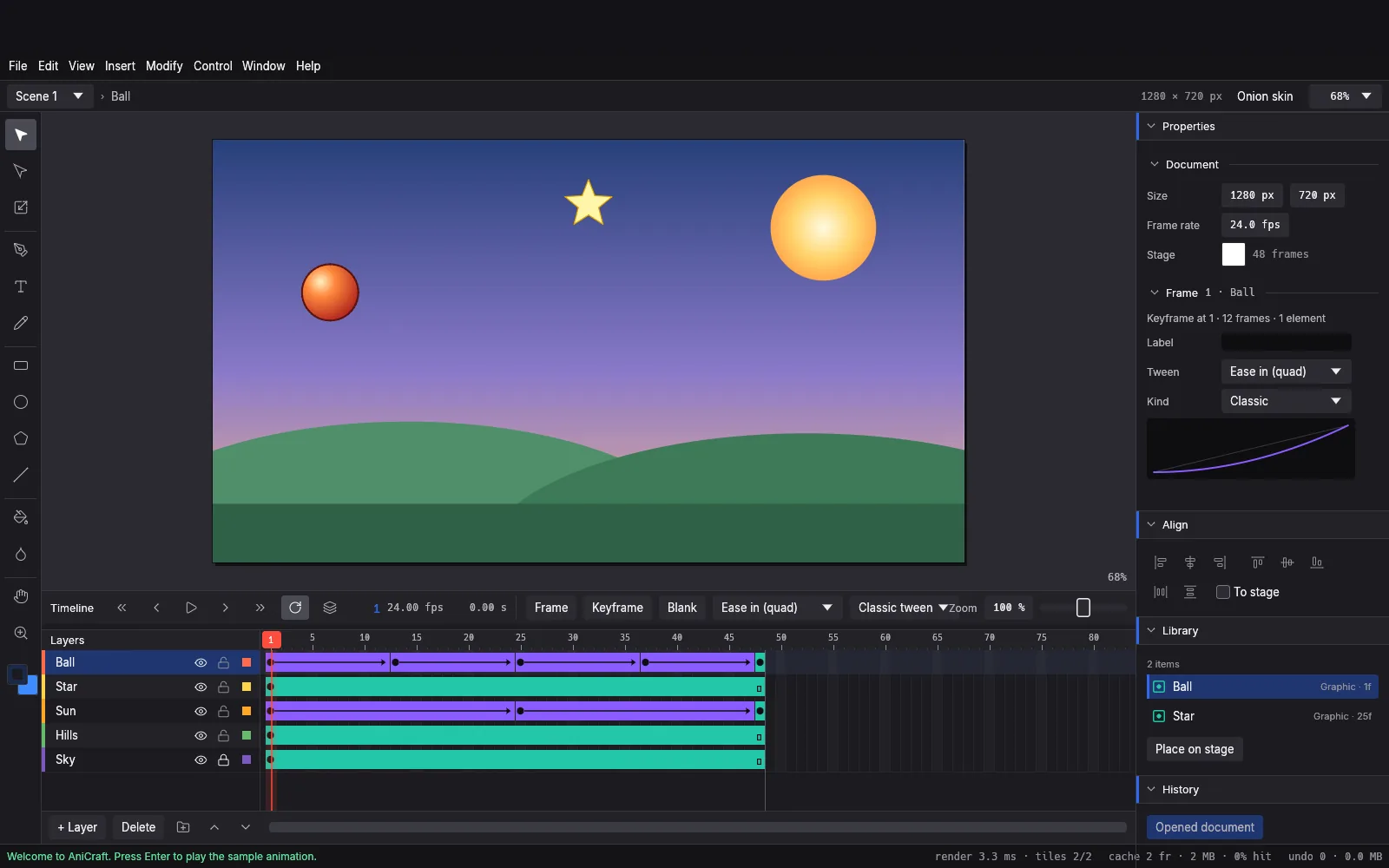
AniCraft is an open-source 2D vector animation studio built from scratch in pure Rust. Draw on the stage, key frames on the timeline, and tween them with custom easing curves in a native, familiar animation workflow. It runs on Windows, macOS, Linux, FreeBSD, and in modern web browsers via WebAssembly.
Highlights
Section titled “Highlights”- Familiar interface: Stage, tools, timeline, layers, keyframes, Properties, and Library sit where animators expect them, with onion skinning for in-betweening.
- Classic and shape tweens: Eight easing presets, custom Bézier easing curves, and contour-morphing shape tweens.
- Symbols and scenes: Graphic symbols and movie clips with nested timelines, loop modes, mask and guide layers, and multiple scenes.
- Real vector tools: Pen, Pencil with curve fitting, geometric shapes, text, Paint Bucket, and Ink Bottle with full point-by-point Bézier editing.
- Open file formats: Opens
.flaand.xfldocuments, imports SVG artwork, and exports PNG sequences, GIF, SVG frames, sprite sheets, Lottie, and video via FFmpeg. - Agent and automation ready: Full CLI automation, JSON-lines protocol, and Model Context Protocol (MCP) server support.
Supported formats
Section titled “Supported formats”- Documents:
.anicraftnative project files, Adobe.flaand.xflarchives. - Vector import: Scalable Vector Graphics (
.svg). - Export: Animated GIF, PNG frame sequences, SVG frame bundles, sprite sheets, Lottie JSON, and MP4/WebM video through FFmpeg.
Guides
Section titled “Guides”- Getting started: create your first animation and export a GIF.
- Install and update: download AniCraft for your system.
- Workflows: tools, layers, symbols, tweens, and keyboard shortcuts.
- AI agents: drive AniCraft through Claude Code, Cursor, or MCP.
- Troubleshooting: solve common issues and get help.