Files and formats
Open and save documents, choose a file format, and copy art between VectorCraft and other apps.
Files and formats
8 pagesOpen and save
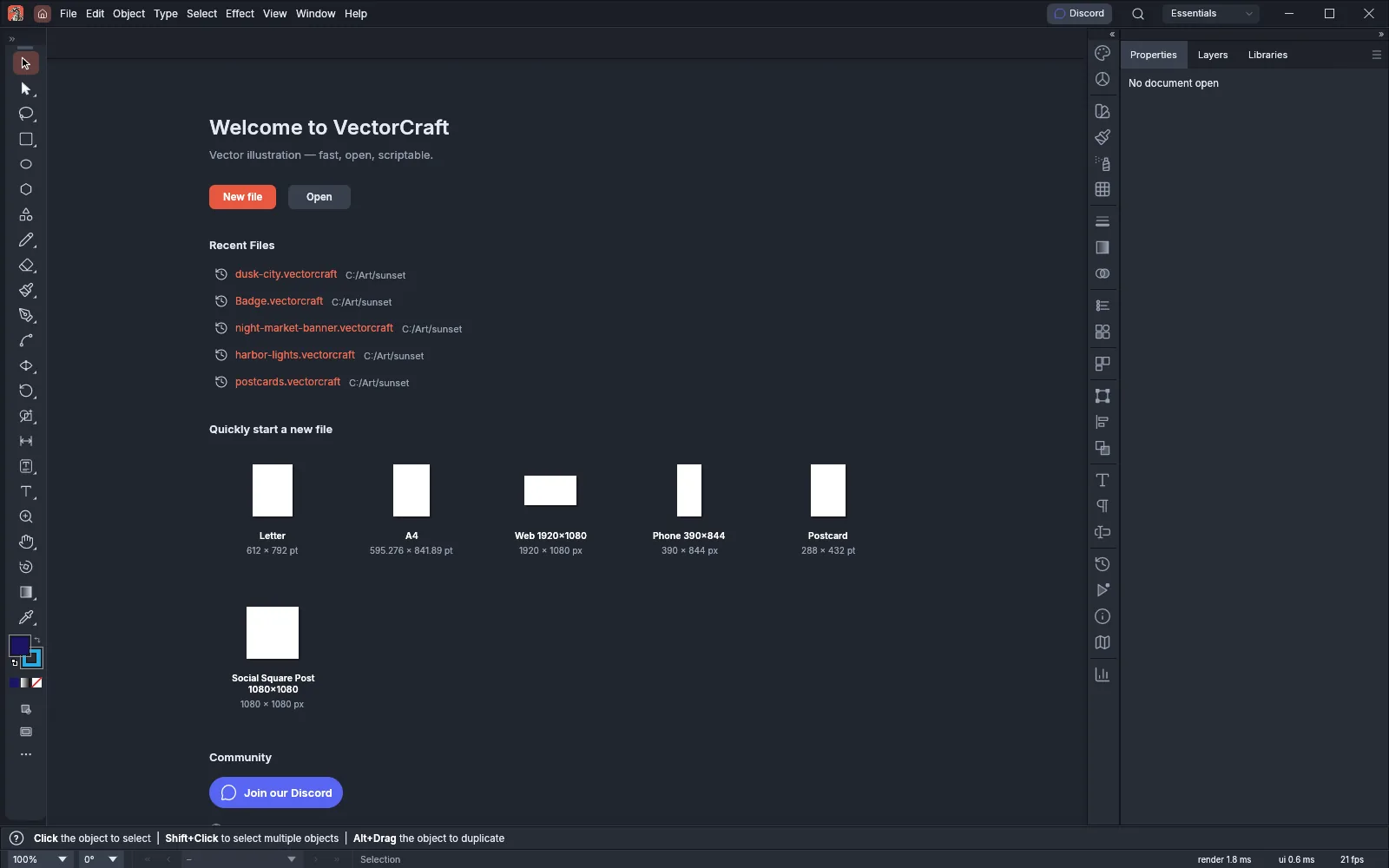 GuideOpen and save filesSave, open and place files, and recover your work after a crash.
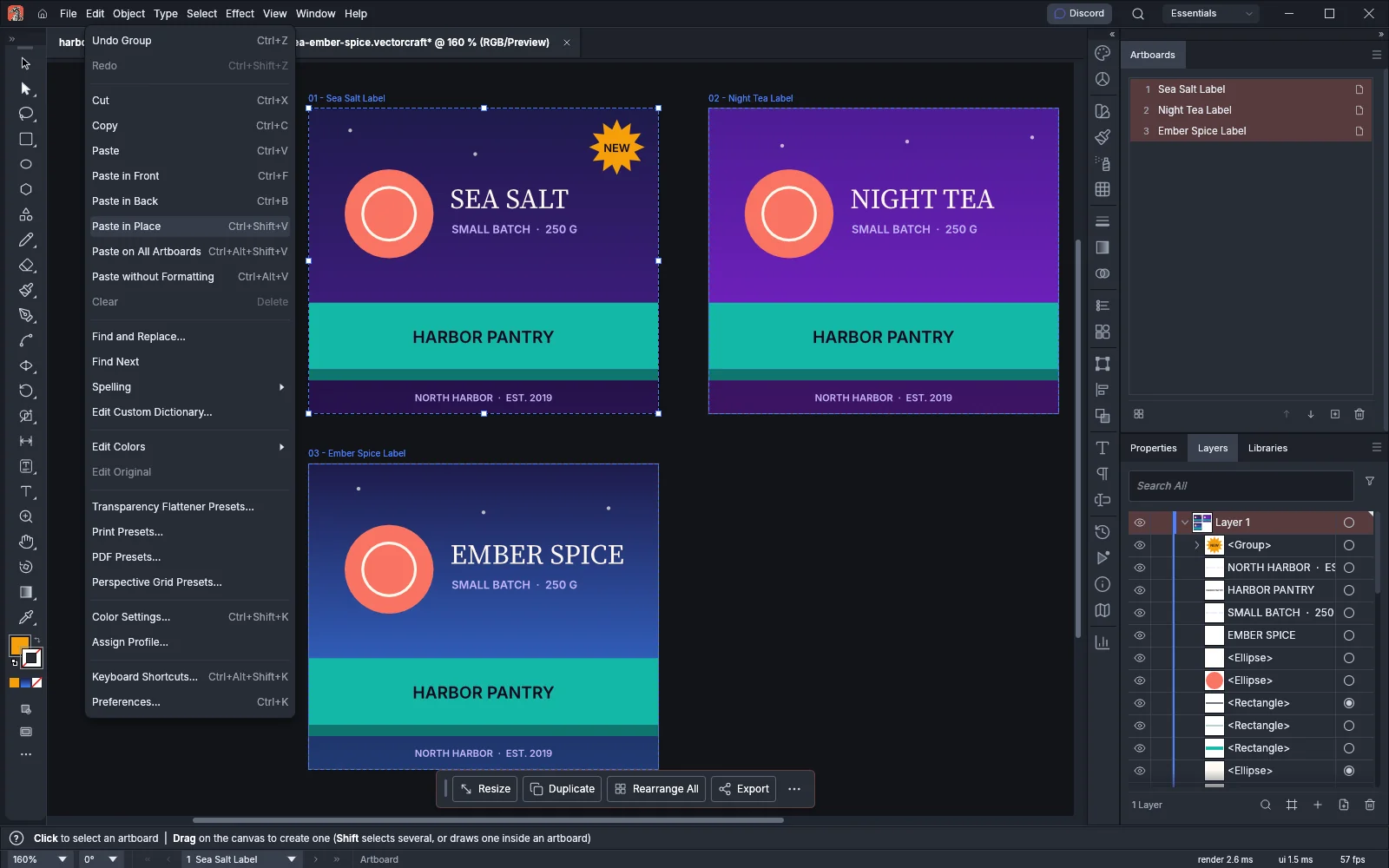 GuideCopy and paste between appsPaste art, pictures, text and tables between VectorCraft and other apps.
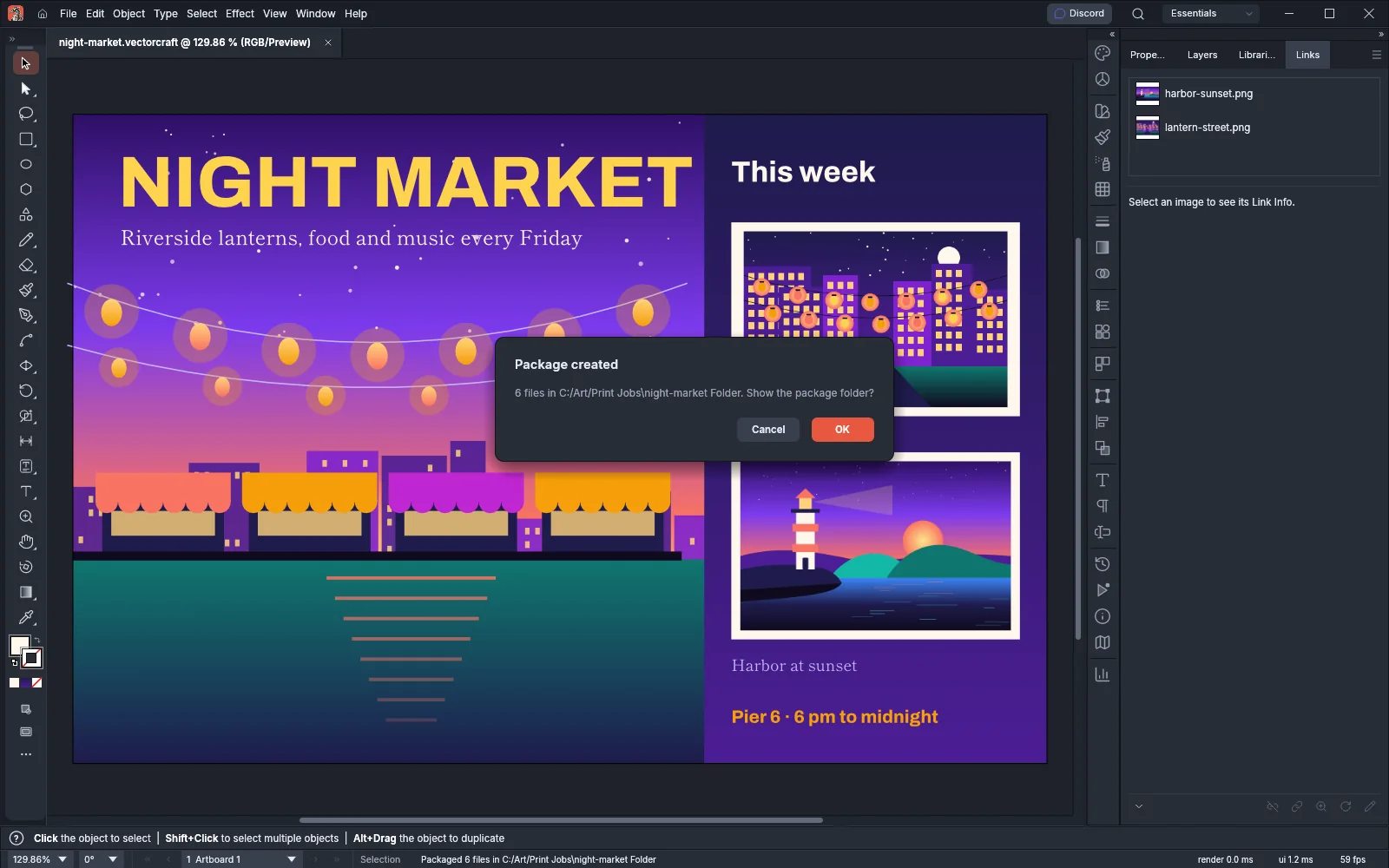 GuidePackage a document with its links and fontsCollect a document, its linked files and its fonts in one folder.
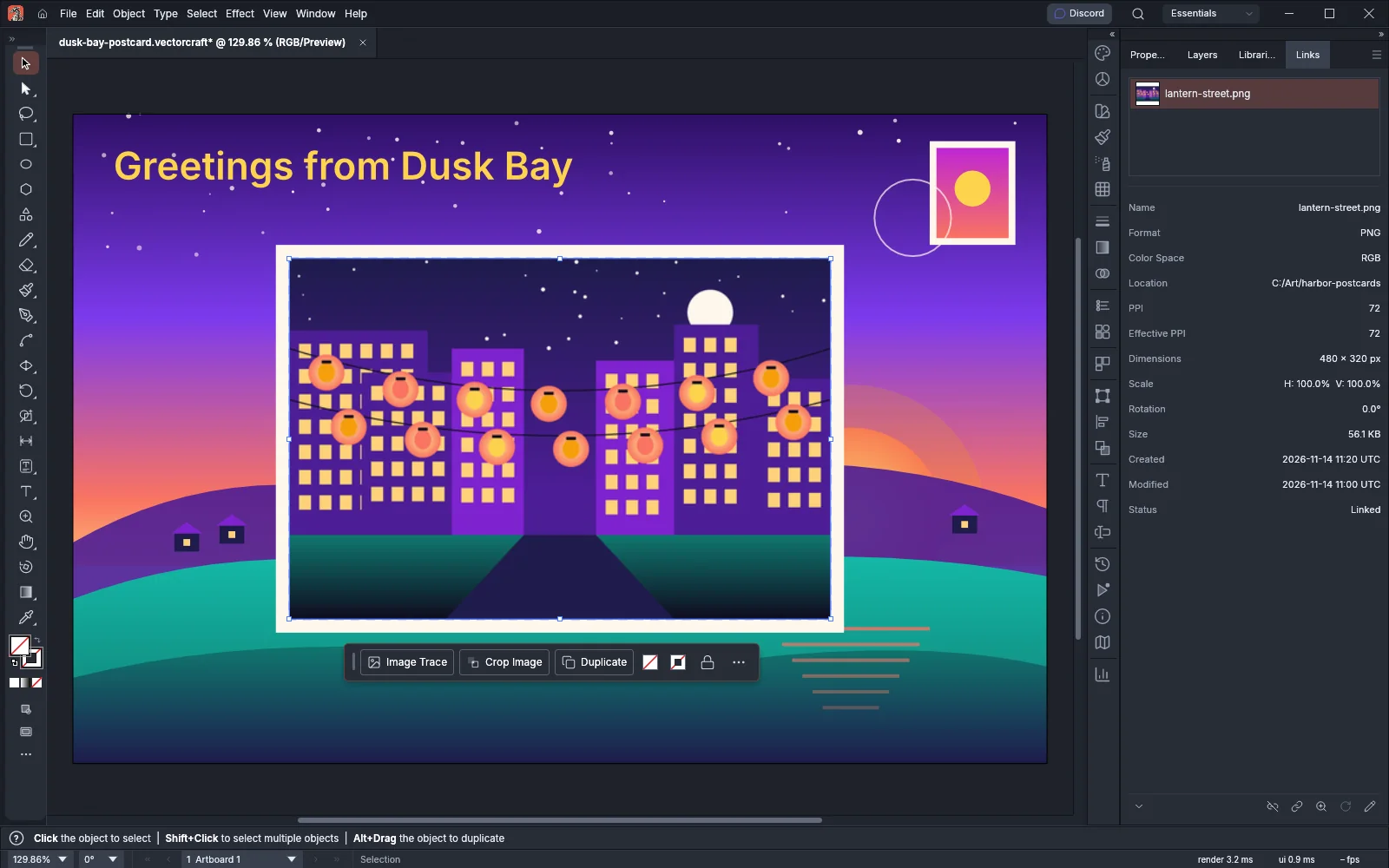 GuideDrag files into VectorCraftDrop files on the window to open documents and place pictures.
Formats
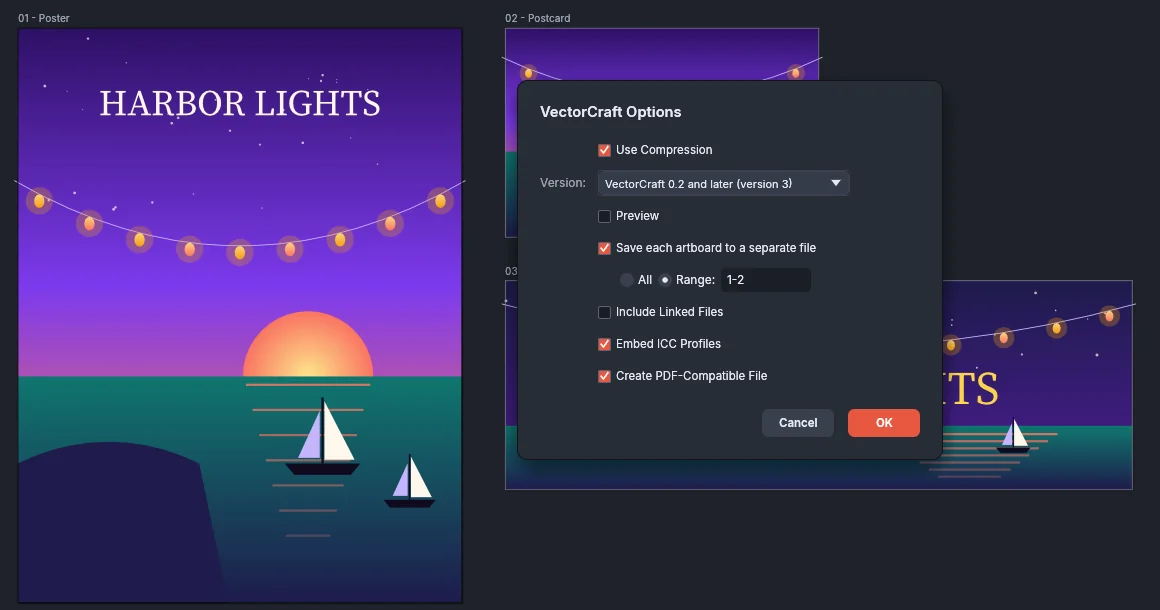 GuideSave for older versions and other appsPick the save options for VectorCraft, .ai, EPS and template files.
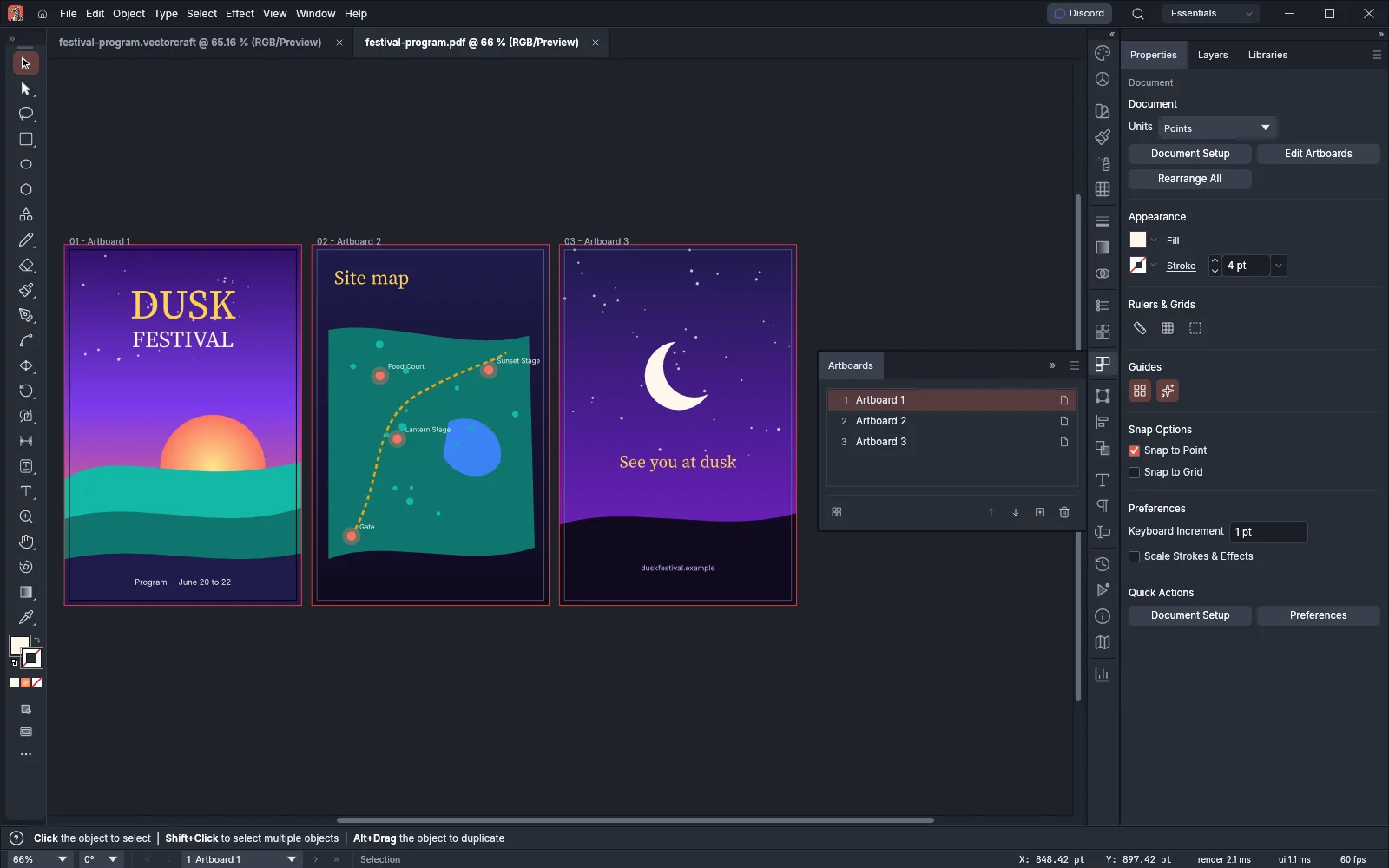 GuideOpen and place PDF and .ai pagesPick the pages, page box and password when you open or place a PDF.
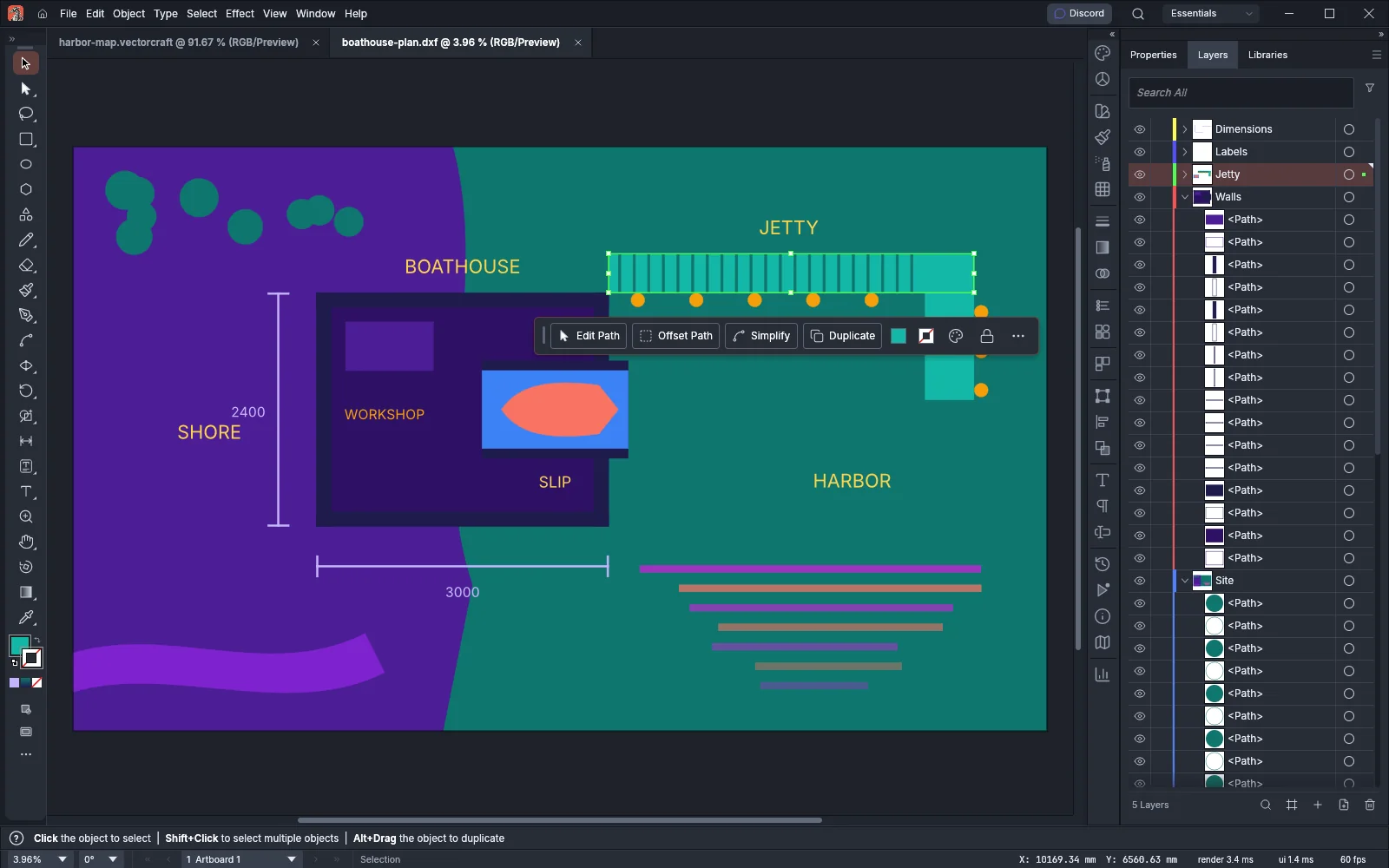 GuideOpen and place DXF drawingsChoose the layout, scale and layers when you open or place a DXF drawing.
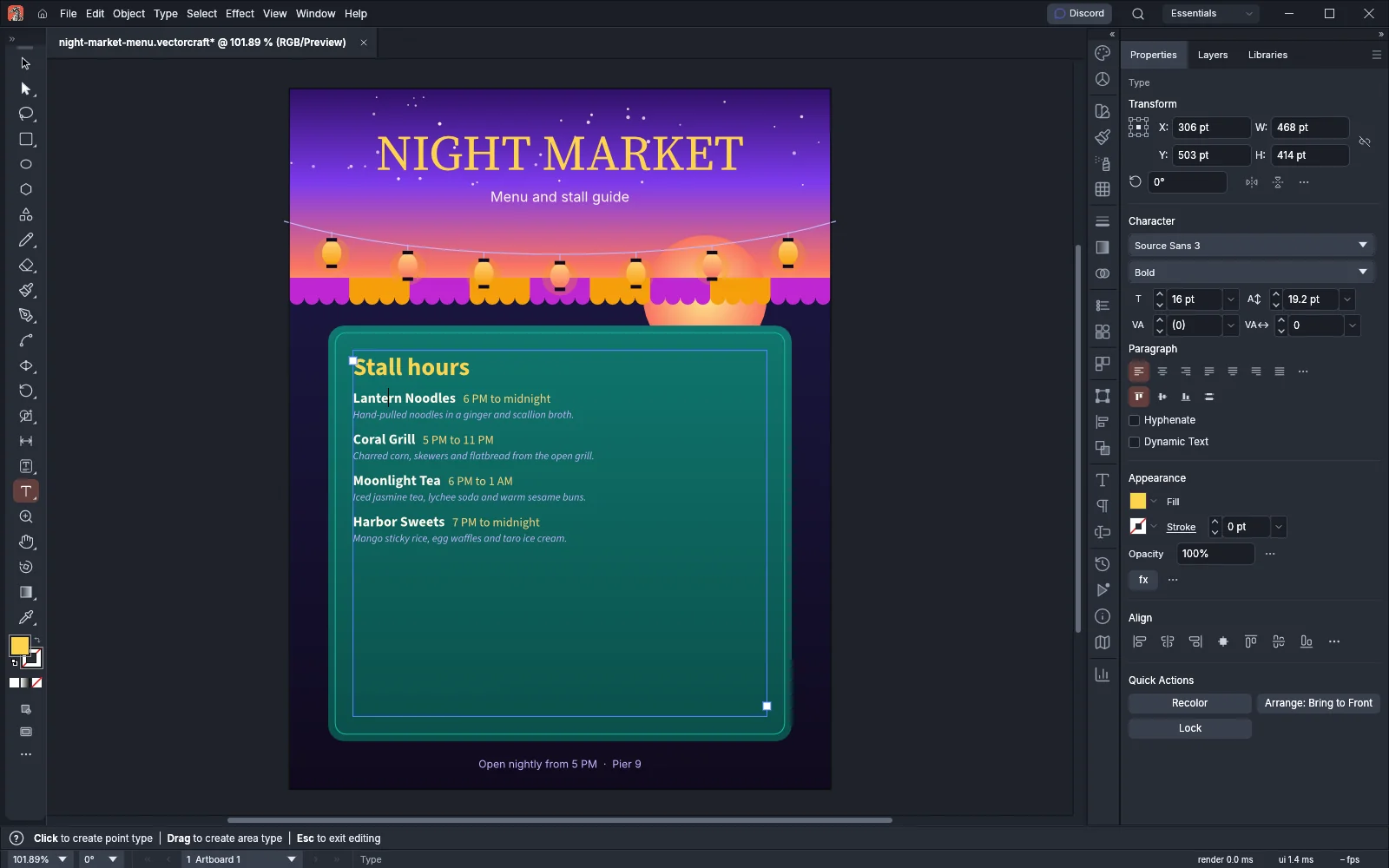 GuidePlace text from text and word processor filesBring the text of a .txt, .rtf, .docx or .doc file into a document as area type.