View and navigate
Zoom, scroll and rotate the view, and choose how VectorCraft shows your documents and windows.
View and navigate
7 pagesZoom and pan
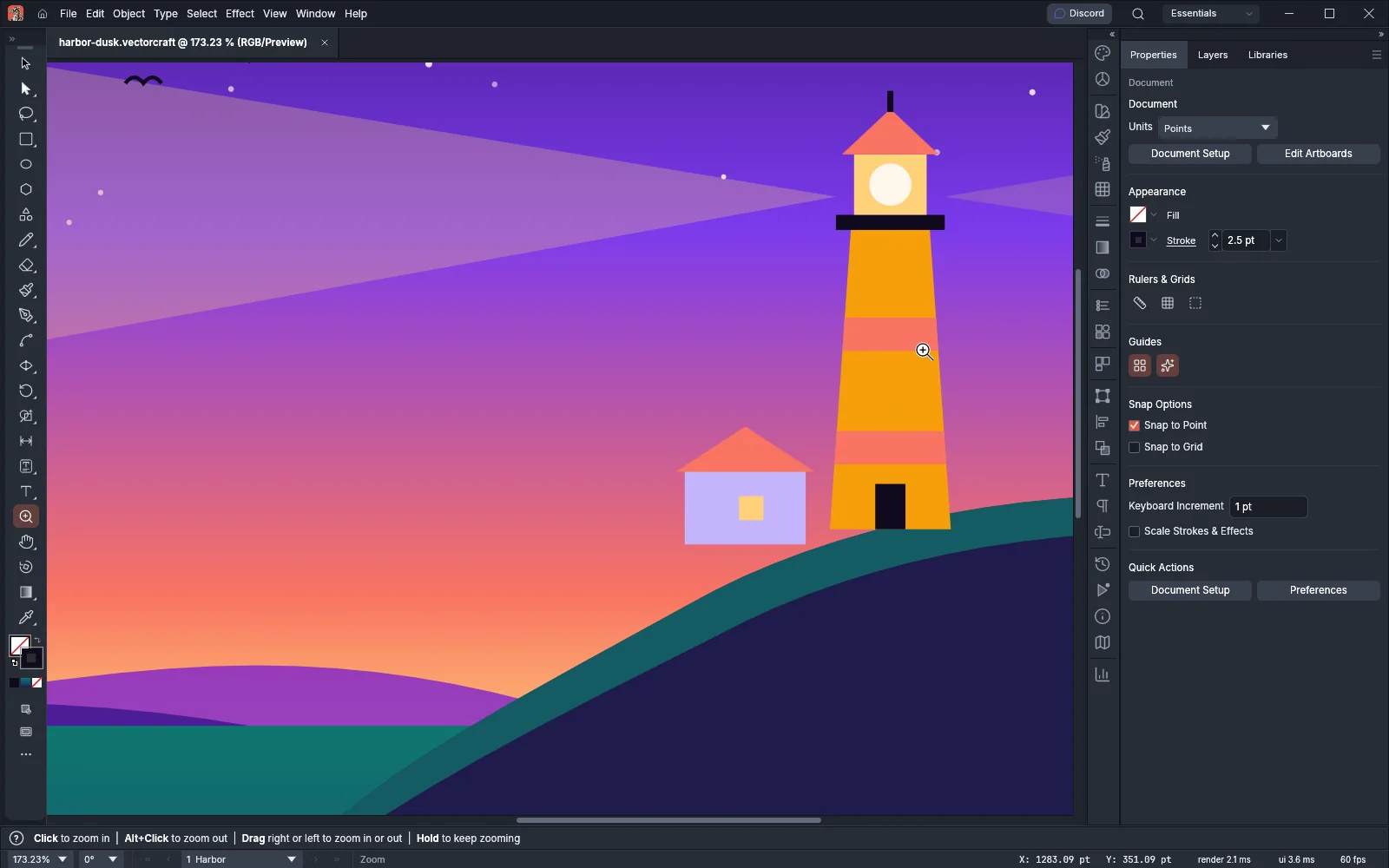 GuideZoom and pan the canvasZoom in and out and move around a document with tools, keys, the wheel and the status bar.
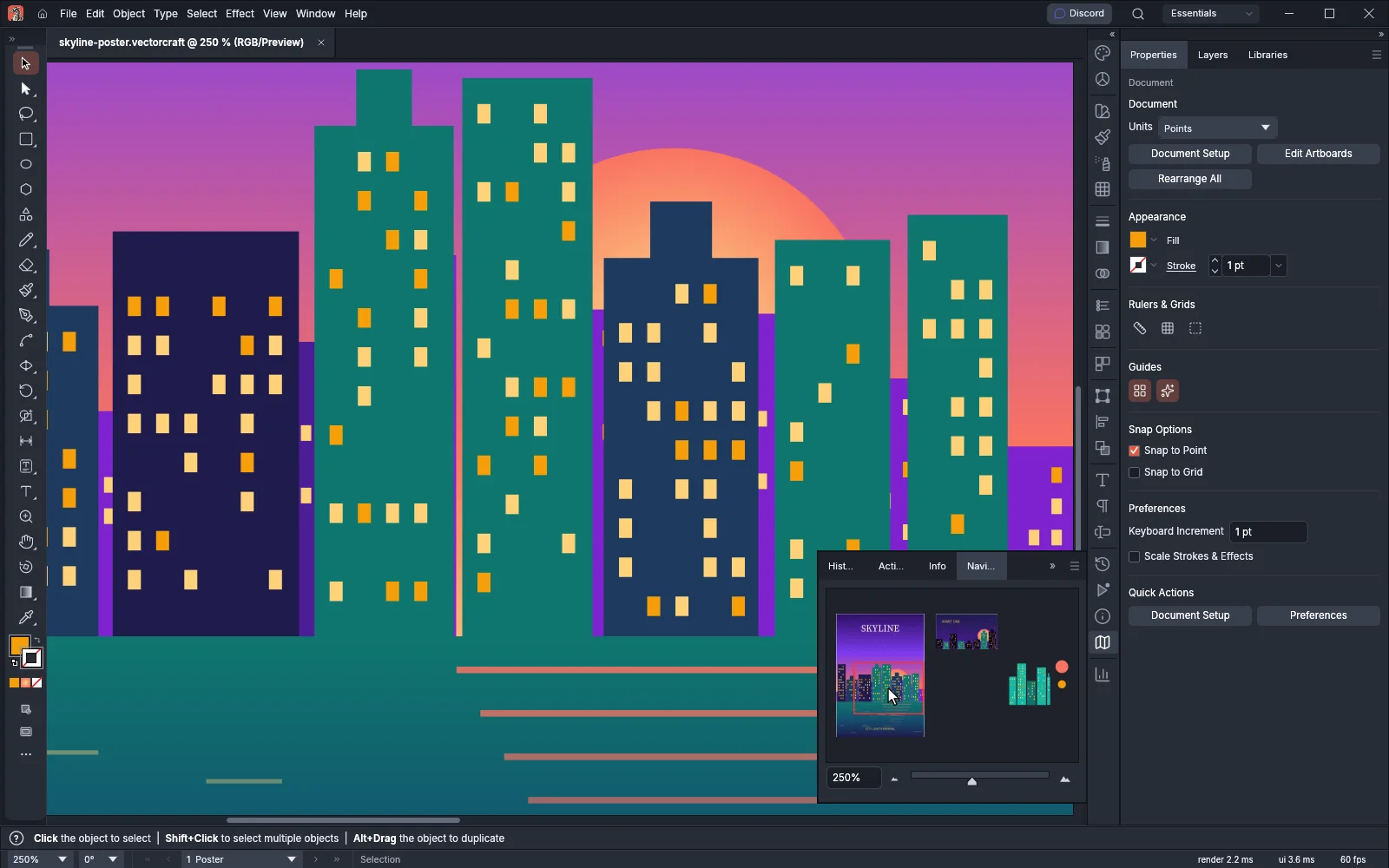 GuideFind your place with the Navigator panelSee the whole document in a thumbnail and move the view by dragging its view box.
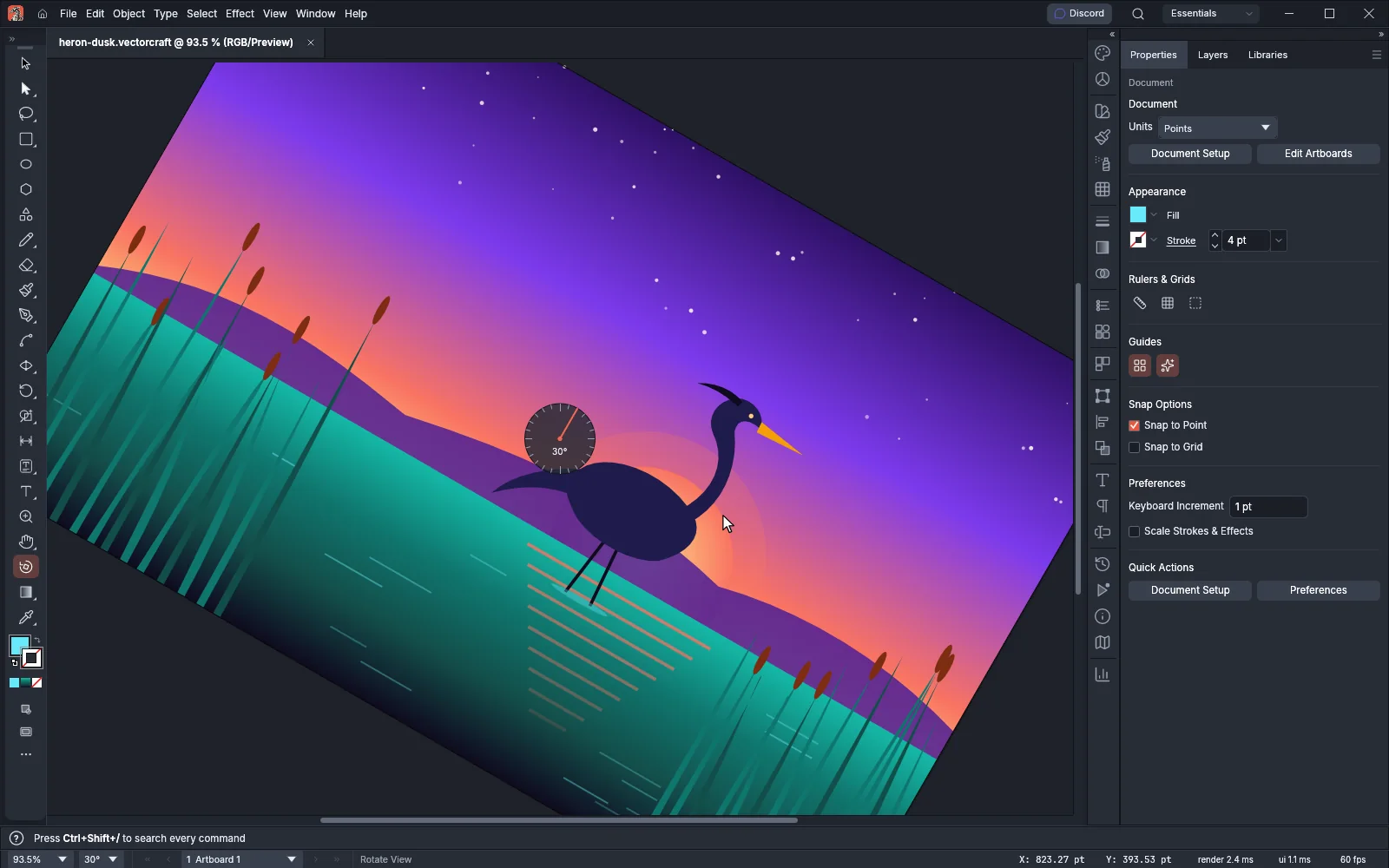 GuideRotate the viewTurn the canvas to a comfortable drawing angle without rotating the artwork.
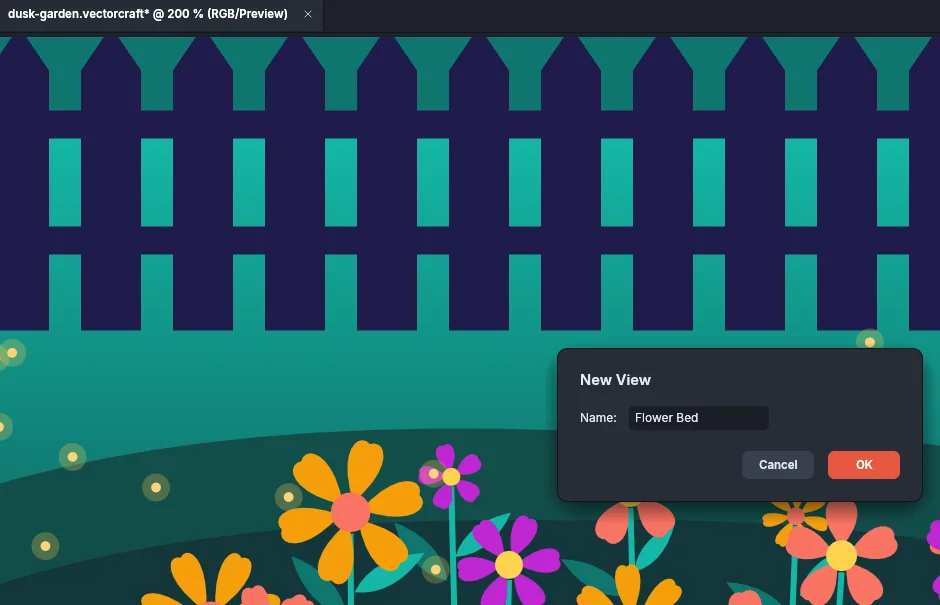 GuideSave and recall viewsName the parts of a document you return to and jump back to them from the View menu.
Screen modes and windows
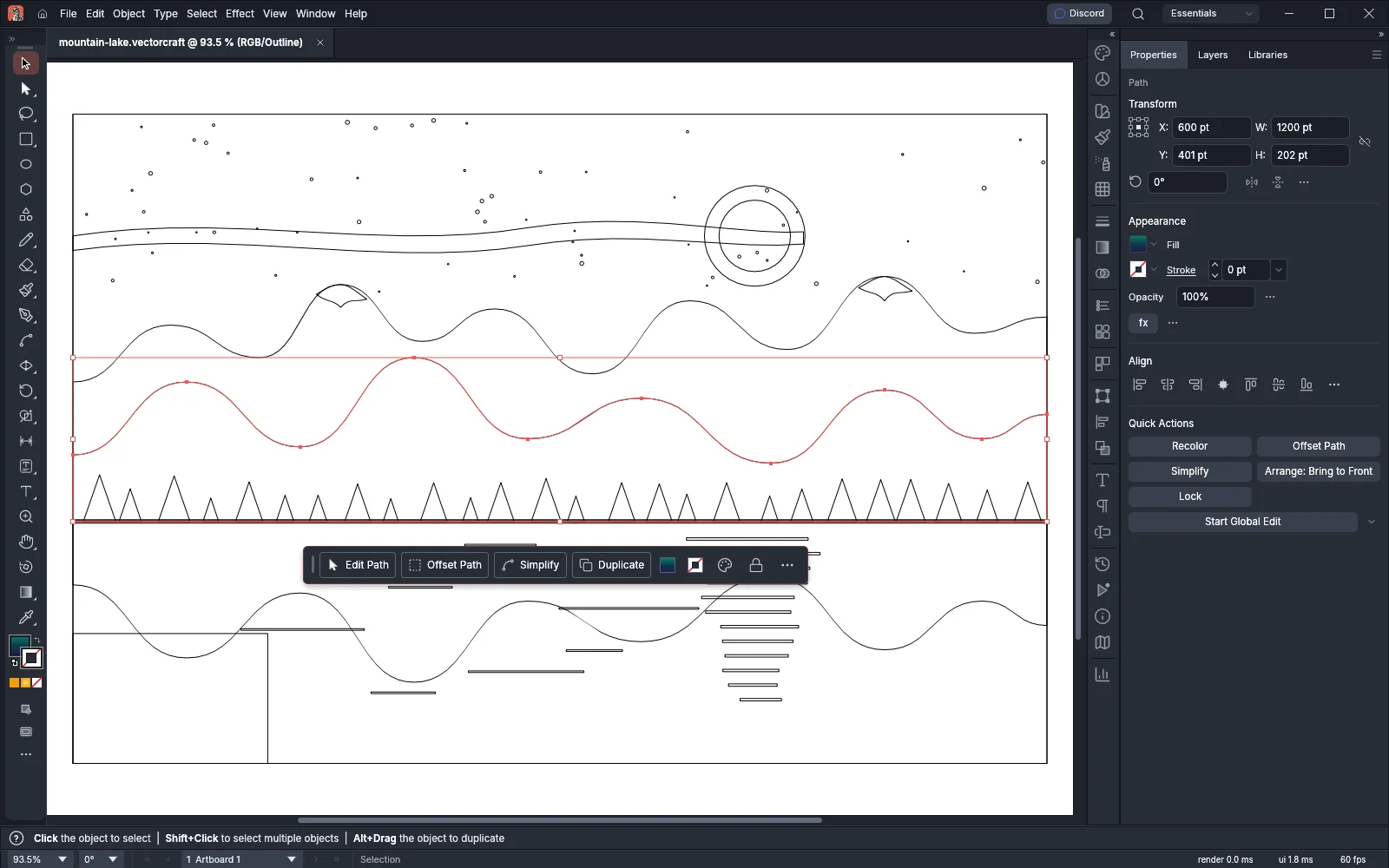 GuideSwitch between Outline, Preview and Pixel PreviewShow the artwork as outlines, as pixels or in full color.
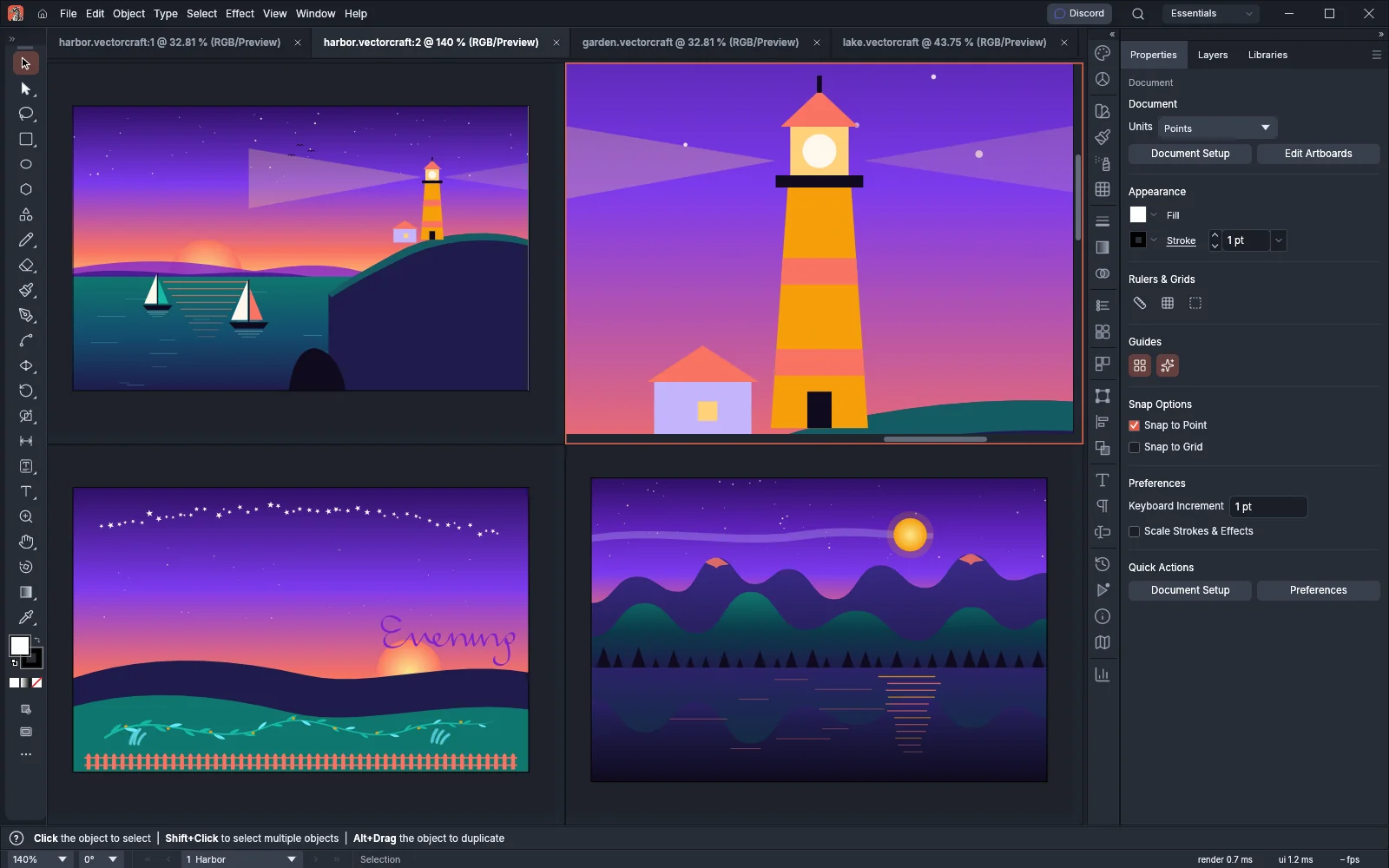 GuideWork in several windowsOpen several views of a document and arrange your documents side by side.
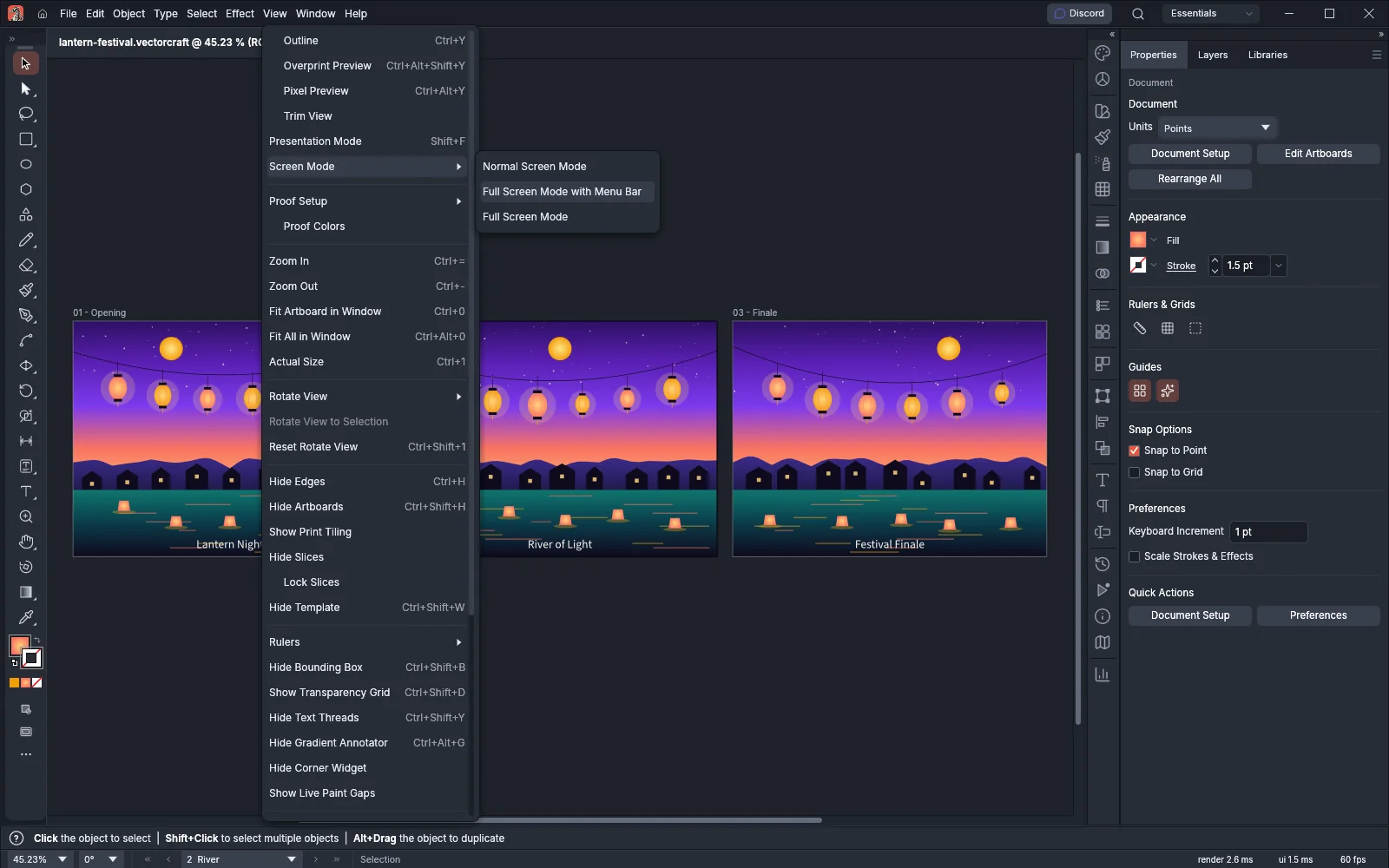 GuidePresent artwork and use screen modesGive the artwork more of the screen, or present your artboards one at a time.